🏗️ Client creator
Clientele can build a project template for an API Client.
It can also generate functions and models from an OpenAPI schema.
Basic project template
To create a new clientele API client project just use the start-api command:
uv run clientele start-api -o path/to/my_client
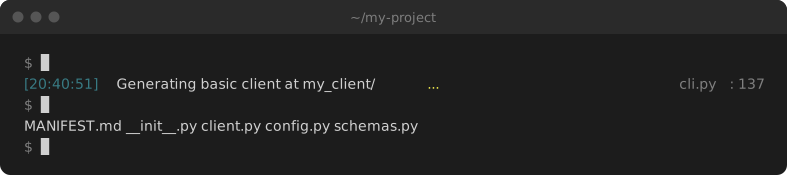
This will create a new directory with the following file stucture:
my_client/
    config.py.  # Client configuration
    client.py   # API client functions
    schemas.py  # API models
    MANIFEST.md # Information about the project
The only code within these files will be a simple configuration set up and some basic imports.
OpenAPI project template
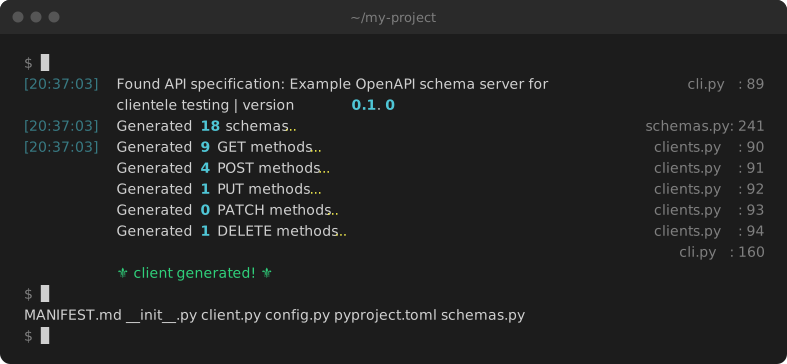
The start-api command can also be used to scaffold an entire API client integration using an OpenAPI schema.
If you provide a schema then the start-api command will generate the same project structure and it will also include:
- All available operations in the
operationsof the OpenAPI spec as fully typed, decorated functions. - All available models in the
schemasof the OpenAPI spec as Pyantic models.
clientele start-api -u https://raw.githubusercontent.com/phalt/clientele/main/example_openapi_specs/best.json -o my_client/
From a URL
Use the -u or --url argument.
-o or --output is the target directory for the generated client.
clientele start-api -u https://raw.githubusercontent.com/phalt/clientele/main/example_openapi_specs/best.json -o my_client/
From a file
Alternatively you can provide a local file using the -f or --file argument.
clientele start-api -f path/to/file.json -o my_client/
Async.io
If you prefer an asyncio client, just pass --asyncio to your command.
clientele start-api -f path/to/file.json -o my_client/ --asyncio
Regenerating
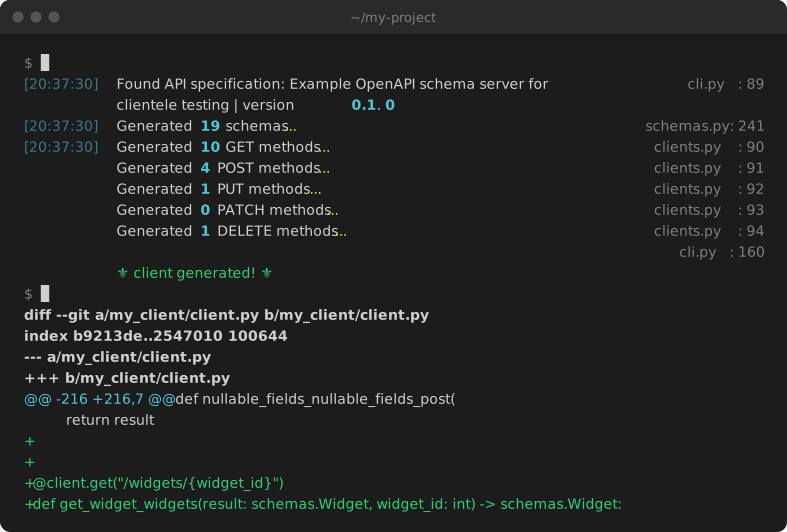
When your API changes, run the same command again with -r or --regen to update the client in place. Without it, clientele won't overwrite an existing client and will warn you instead. The exact command is also written into your client's MANIFEST.md.
clientele start-api -f path/to/file.json -o my_client/ --regen
Then review the git diff before you ship it. Here a new /widgets/{widget_id} endpoint was added to the schema: